Zoho Invoice vs FreshBooks: Which Is Better for Freelancers in 2026?
Zoho Invoice vs FreshBooks compared head-to-head. Features, pricing, ease of use, and the best free alternative — find out which invoice tool wins in 2026.
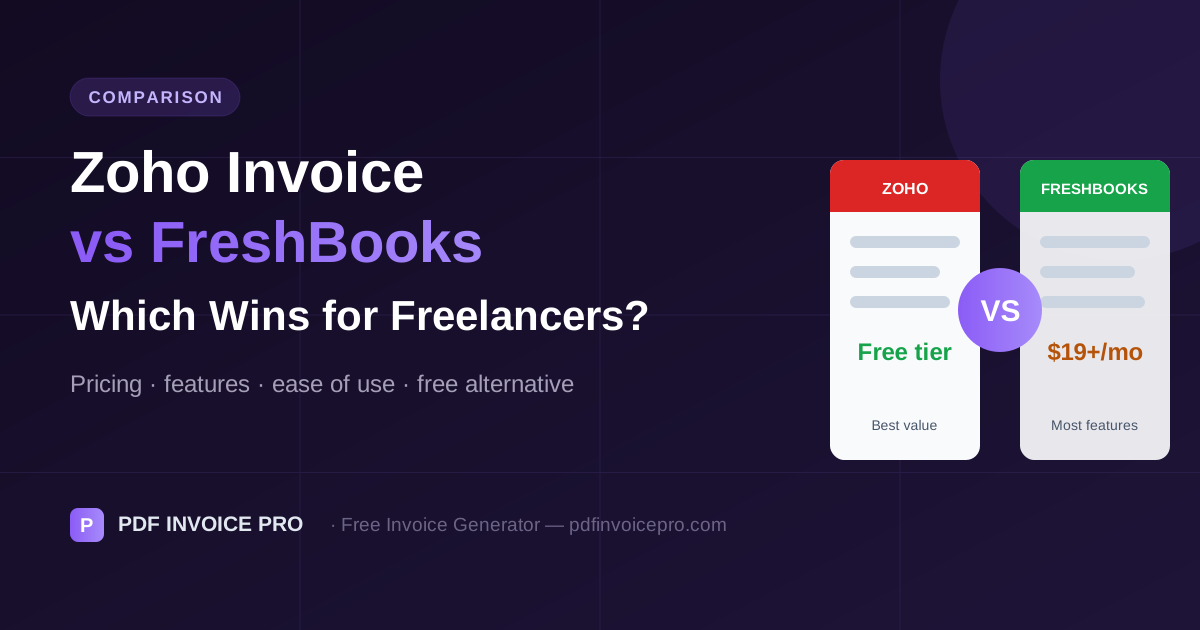
An Honest Comparison With No Affiliate Bias
Most Zoho vs FreshBooks comparisons are written by affiliates earning commission either way. This guide has no such relationship. The goal is to help you pick the right tool — or recognize that a free alternative might serve you better.
For growing businesses, also see our guide on invoice software for small business.
Pricing Compared
| Plan | Zoho Invoice | FreshBooks |
|---|---|---|
| Free tier | Up to 5 customers | 30-day trial only |
| Entry paid plan | ~$15/month | $19/month |
| Annual discount | Yes | Yes (significant) |
| Free forever option | Yes (5 client limit) | No |
Before committing to either, try our free invoice generator or Wave. See our free invoice generator comparison for full context.
Ease of Use: FreshBooks Wins
FreshBooks is genuinely one of the most user-friendly accounting products on the market. Plain-English terminology, a clean interface, and a polished mobile app make it accessible to people with no accounting background. Learning curve: low.
Zoho Invoice's feature density is powerful but initially overwhelming. It rewards users who invest time to learn it. Learning curve: medium.
Real users agree — check FreshBooks on G2 (4.5+ stars from 4,000+ reviews).
Invoice Features Head-to-Head
Both cover the essentials: professional templates, custom logo, multi-currency, tax lines, PDF output.
- FreshBooks advantages: better time tracking integration, automatic late payment reminders, recurring invoice automation
- Zoho advantages: more invoice template customization options, tighter integration within the Zoho ecosystem
Accounting Features
Zoho Invoice is invoicing only — full accounting requires a separate Zoho Books subscription (additional cost). FreshBooks includes double-entry accounting on higher-tier plans, keeping everything in one tool.
If you're on Zoho Invoice's free plan (≤5 clients) and need accounting, you'll need a separate Zoho Books subscription. FreshBooks includes accounting at a similar price point — often the better value at that stage.
Customer Support
FreshBooks wins significantly. Phone and chat support are available — rare in this pricing range. Zoho support is primarily email-based with slower response times on lower tiers. If support quality matters to you, FreshBooks is the clear choice.
Full Comparison Table
| Feature | Zoho Invoice | FreshBooks |
|---|---|---|
| Free plan | ✅ Up to 5 clients | ❌ Trial only |
| Invoice templates | ✅ More options | ✅ Clean, professional |
| Time tracking | Basic | ✅ Excellent |
| Auto payment reminders | ✅ Yes | ✅ Yes (better) |
| Accounting included | ❌ Separate product | ✅ Higher plans |
| Bank sync | ❌ Via Zoho Books | ✅ Yes |
| Mobile app | Good | ✅ Excellent |
| Customer support | Email-based | ✅ Phone + chat |
| Third-party integrations | Zoho-centric | ✅ Broader library |
Who Should Choose Each?
You bill 10+ clients monthly, want the easiest possible experience, value good customer support, and need time tracking integrated with invoicing. See FreshBooks reviews on G2.
You already use other Zoho products (CRM, Books, Projects), need extensive invoice template customization, or can work within the 5-client free tier. See Zoho Invoice on G2 for user perspectives.
If you're not yet billing enough to make $19/month feel trivial, try our free invoice generator or Wave first. Both are production-quality tools used by professionals billing tens of thousands per month.
Sources & Further Reading
Alex Carter is a freelance finance writer specialising in invoicing, cash flow management, and small business operations. He has written for independent contractors and agencies across the US, UK, and Australia.
Ready to create professional invoices?
Free, private, no account needed. Create your first invoice in 60 seconds.
Create Free Invoice