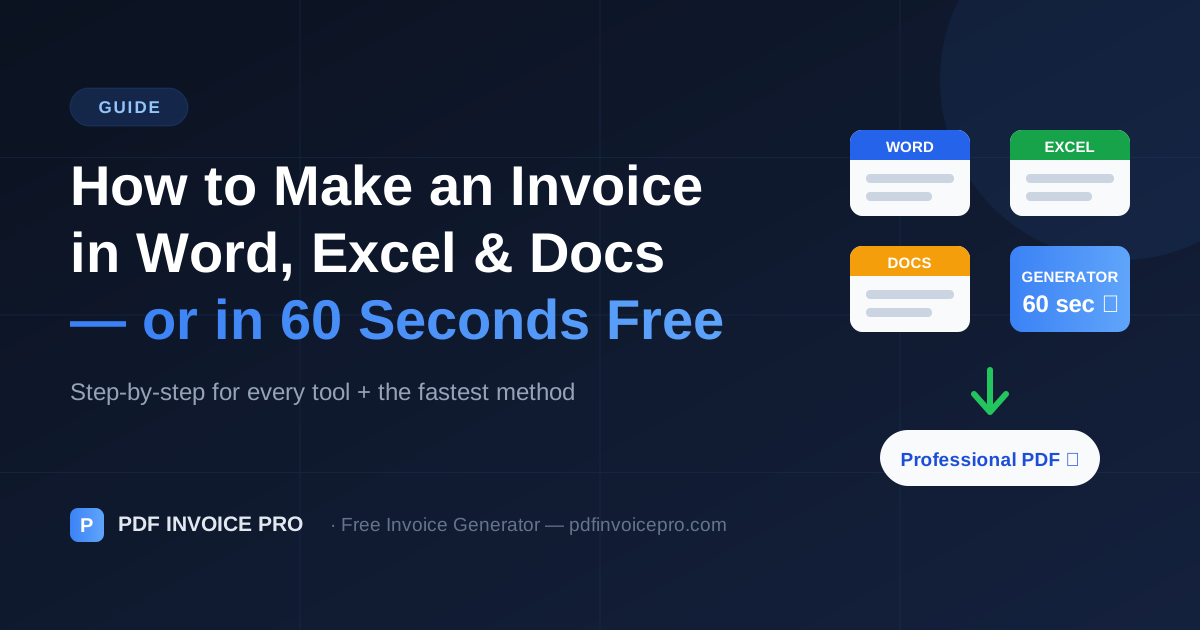
How to Make an Invoice in Word, Excel & Google Docs (Or in 60 Seconds Free)
Learn how to make an invoice in Word, Excel, or Google Docs step-by-step — plus the faster way: a free invoice generator that builds a professional PDF in 60 seconds.
What Every Invoice Needs (Regardless of Tool)
Before you open Word, Excel, or anything else, know what the finished document must contain. Whatever tool you choose, a complete invoice includes eight things: the word "Invoice" clearly visible, a unique invoice number, your business details (name, address, email), your client's details, an issue date and due date, itemized line items with quantities and rates, tax where applicable, and the total amount due with payment instructions.
Miss any of these and you risk the payment delays we cover in our guide to common invoicing mistakes.
How to Make an Invoice in Microsoft Word
Word is the most common DIY route because almost everyone has it. Here's the process:
Step 1: Open Word and go to File → New. Search "invoice" in the template gallery and pick a clean, simple design.
Step 2: Replace the placeholder company name and address with your own. Add a logo if you have one — top-left or top-right.
Step 3: Fill in the client's billing details, the invoice number (e.g., INV-2026-014), the issue date, and the due date.
Step 4: List each service or product on its own row: description, quantity or hours, rate, and line total. Word won't calculate for you — double-check the math manually.
Step 5: Add subtotal, tax, and total. Then export via File → Save As → PDF.
Word does no math. Typos in totals are the #1 DIY invoice error — and a wrong total is the fastest way to have an invoice bounced back unpaid.
How to Make an Invoice in Excel
Excel fixes Word's math problem. Use a template (File → New → "invoice") or build your own with columns for Description, Qty, Rate, and Amount. Set the Amount column to =Qty*Rate, sum the subtotal with =SUM(), and calculate tax as =Subtotal*TaxRate.
The trade-offs: Excel templates tend to look like spreadsheets, not branded business documents, and you still need to export to PDF and manually track invoice numbers across files.
How to Make an Invoice in Google Docs or Sheets
Google's free tools work almost identically: open Docs or Sheets, search the template gallery for "invoice", fill in your details, and download as PDF (File → Download → PDF Document). The advantage is that everything lives in Drive and is accessible from any device. The disadvantage is the same as Word and Excel — manual setup, manual numbering, and generic-looking output.
The Faster Way: A Free Invoice Generator
Every method above works, but each one makes you do the formatting, the math, the numbering, and the PDF conversion. A dedicated free invoice generator does all four automatically: you fill in one form, totals and tax calculate themselves, and a professionally designed PDF downloads instantly — no sign-up, no watermark, no subscription.
Time yourself making your next invoice in Word, then try the same invoice in a generator. Most freelancers cut invoice creation from 15–20 minutes to under one minute — time that goes straight back into billable work.
Which Method Should You Use?
Use Word or Google Docs if you send one or two invoices a year and already live in those tools. Use Excel or Sheets if you want automatic math and don't mind spreadsheet aesthetics. Use a free invoice generator if you invoice regularly, care how your brand looks, or simply want the job done in under a minute.
Whichever route you pick, follow the formatting and numbering rules in our guide to creating professional invoices — the tool matters less than getting the fundamentals right.
Sources & Further Reading
Alex Carter is a freelance finance writer specialising in invoicing, cash flow management, and small business operations. He has written for independent contractors and agencies across the US, UK, and Australia.
Ready to create professional invoices?
Free, private, no account needed. Create your first invoice in 60 seconds.
Create Free Invoice